

Octop: Self-Hosted Multi-User AI Assistant
Octop is an open-source AI assistant you host yourself. It gives you a web UI, a CLI, and messaging integrations (Feishu, WeCom, DingTalk, QQ, WeChat, Telegram, and more) — all running in a single process, with every conversation and credential stored on your own machine under ~/.octop/.
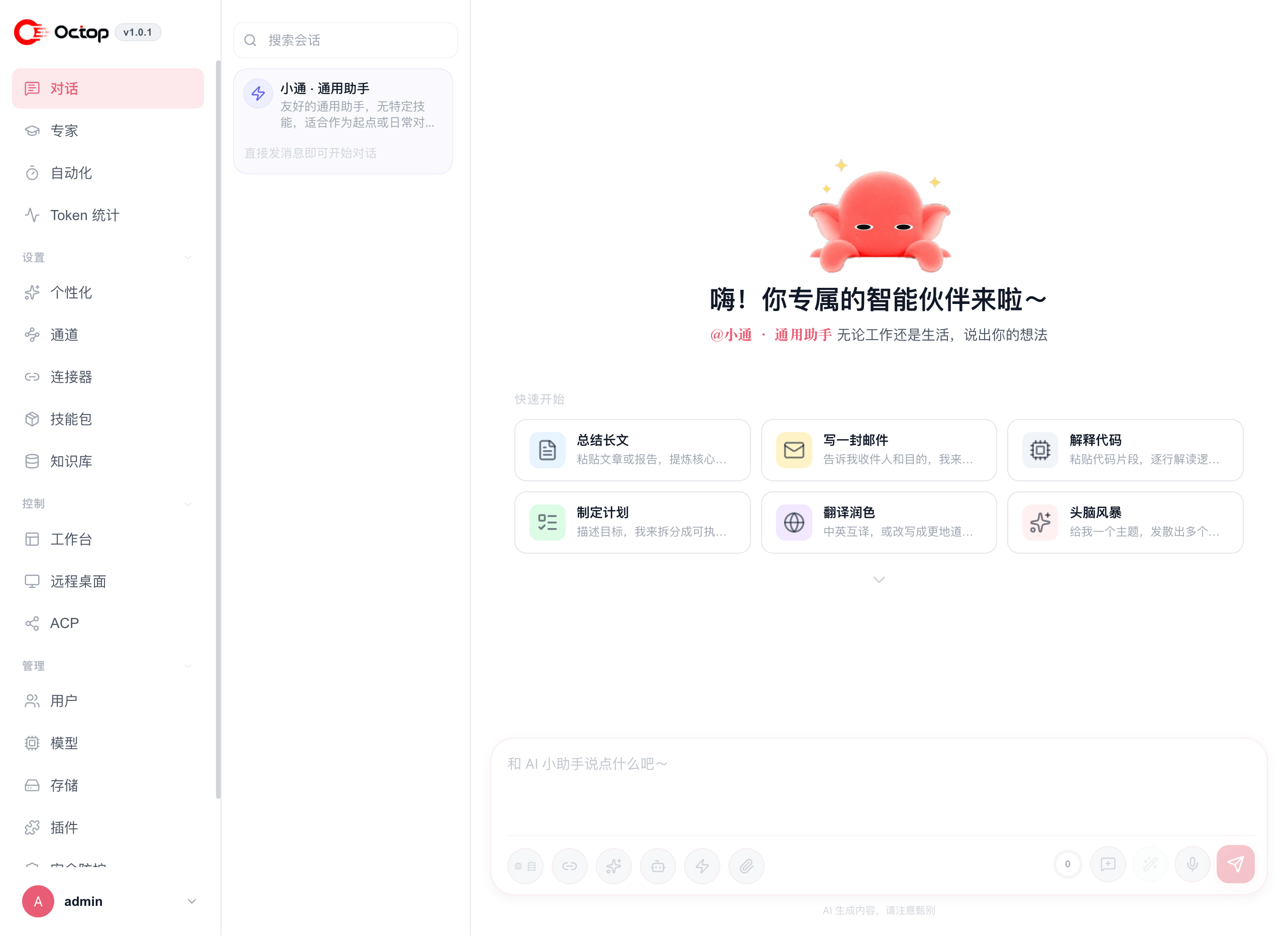
Install Octop and be chatting in under five minutes
Run Octop in a container for production deployments
Launch Octop on Lighthouse or CVM with the official image
Understand agents, channels, connectors, and personas
Automate everything through the HTTP and WebSocket API
What you can do with Octop
- Chat with specialized agents — create multiple agents per user, each with its own LLM provider, skill set, and MBTI persona
- Connect your messaging apps — route conversations from Feishu, WeCom, DingTalk, QQ, WeChat, Telegram, and more into your agents
- Schedule automated tasks — set cron jobs that prompt your agents on a schedule
- Ground answers in your files — upload documents to a knowledge base and see cited sources in chat
- Delegate to coding agents — use ACP to connect OpenCode, CodeBuddy, Claude Code, Codex, Kimi Code, Cursor CLI, or Pi
- Control remote environments — use the built-in browser, terminal, remote desktop, and experimental remote phone
- Stay private — no cloud dependency; all data lives on your machine
- Choose your layout — pick Classic or Minimal, plus a light or dark theme that this browser remembers
How Octop is organized
Each agent has its own workspace, providers, and personality
Connect Feishu, WeCom, DingTalk, Telegram, and more
Built-in app connectors and custom MCP servers
Index your own files and retrieve cited context in chat
Full command reference for power users
This documentation corresponds to v1.0.1.