

Channels: Connect Octop to Your Messaging Apps
Channels connect your Octop agents to external messaging platforms. Once a channel is configured, every message sent to that platform is routed through Octop's IM bridge and delivered to the agent the channel belongs to. A single agent can have multiple channels active at the same time — the same agent can respond on both Feishu and Telegram, sharing one conversation context.
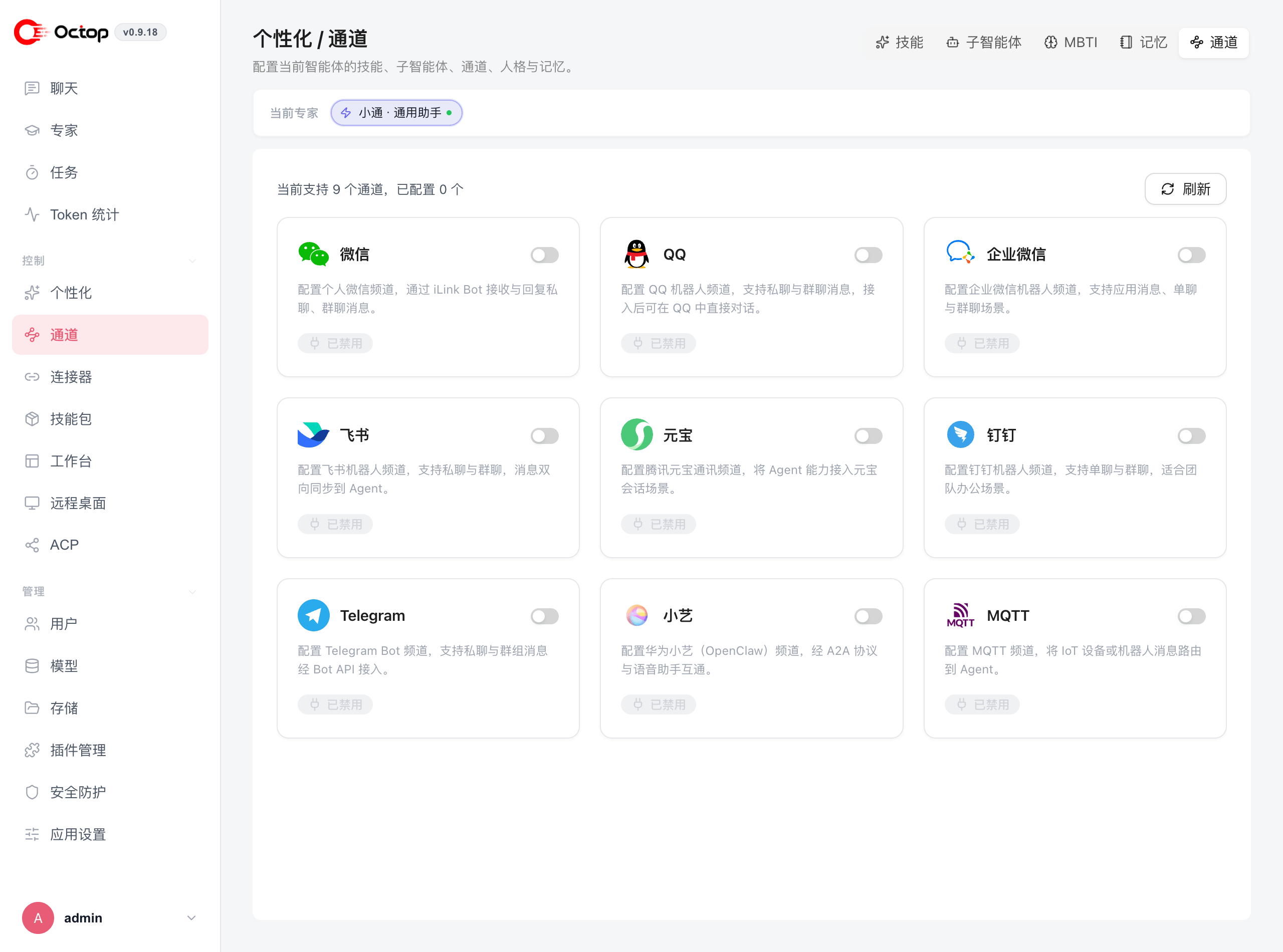
Supported channels
Octop ships nine channels:
The web UI is always available for chat, so you can talk to any agent immediately after creating it without configuring a channel.
Add a channel to an agent
Channels are configured per agent under personalization:
Pick the agent at the top of the page, toggle on the platform you want, and fill in that platform's credentials.
For platform-by-platform credential steps, see IM Channels. For CLI setup, see Channel & cron commands.
How message routing works
Each channel is attached to exactly one agent. When a user sends a message on the connected platform, Octop's IM bridge normalises it into a standard format and delivers it to the agent for processing. The agent's reply travels back through the same bridge to the originating platform.
Choose how replies appear
In the channel settings drawer, open Message display → Response mode:
- Final only (Recommended) sends one completed reply after the agent finishes.
- Live progress shows updates in the chat app while the agent is still working.
Show thinking and Show tool hints are extra toggles. They are unavailable when the mode is Final only. QQ private chat ignores Response mode and uses c2c_streaming instead.
Disabling a channel stops routing immediately. Any in-flight messages on that platform will not receive a reply. Re-enabling it restores routing without losing conversation history.