

Octop: Self-Hosted Multi-User AI Assistant
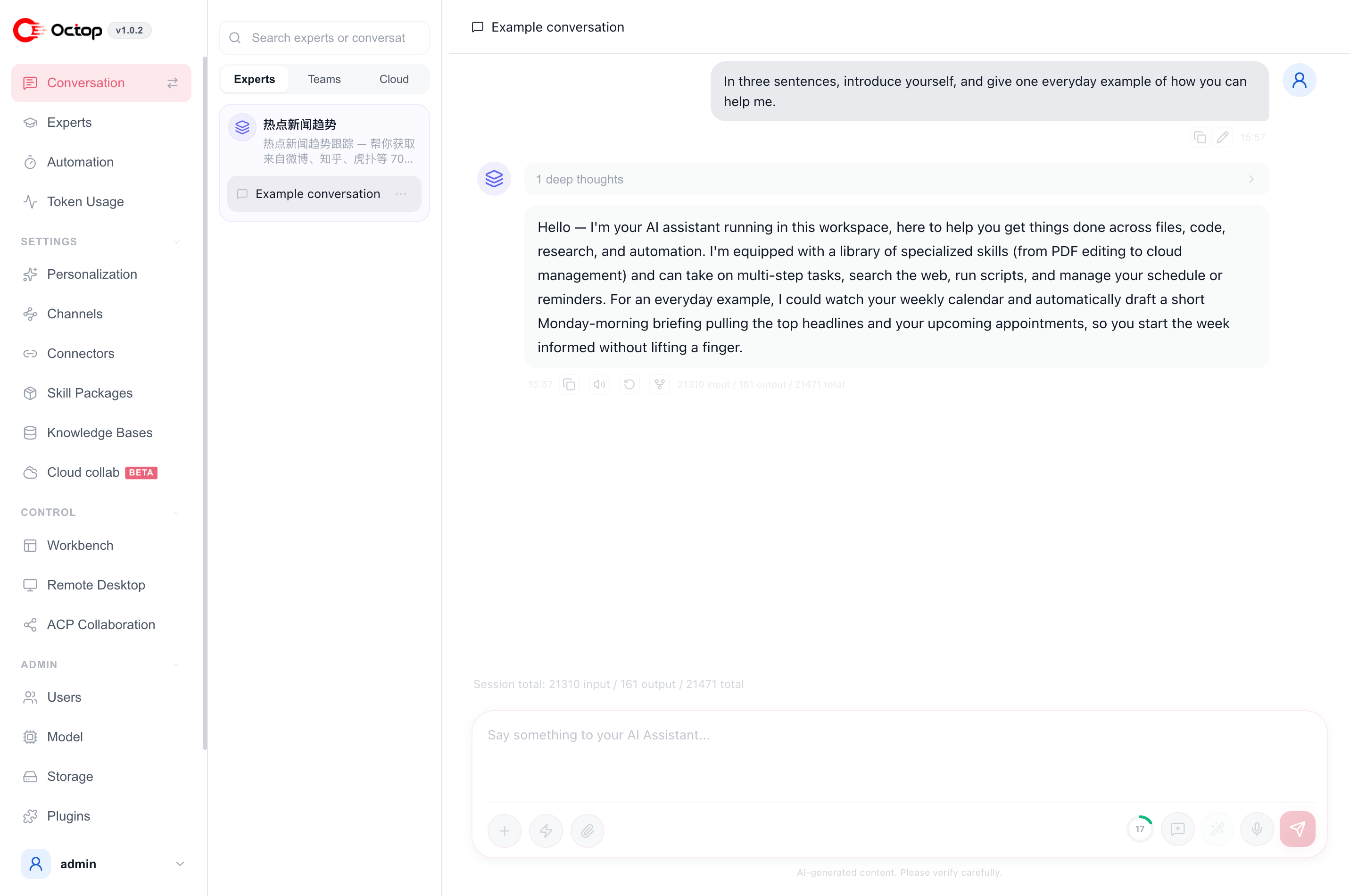
Octop runs on your own computer or server. After setup you chat with an expert in the web UI, or reach the same expert from Feishu, WeCom, DingTalk, QQ, WeChat, or Telegram. Conversations and credentials stay on that machine under ~/.octop/.
Pick one place to start
Install, finish the setup wizard, add a model, and chat
Start from an expert template, then add a voice, your files, and tools such as mail
Scan a QR code to reach an expert from Feishu, DingTalk, WeCom, or QQ
What you usually do after install
- Ask something in the web UI. The setup wizard leaves a default expert named
main. Open Conversation and say what you need done. - Switch to a specialist. Open Experts → Discover Experts. The market opens on Featured, which lists the templates that ship with Octop. Click Create. To change the voice, pick a persona or use Take the test.
- Let it read your files and use your apps. Put handbooks in a knowledge base. Authorize Tencent Docs, meetings, or mail under Connectors. Then ask in plain language, for example “Summarize the reimbursement rules in this handbook.”
- Leave the browser closed. After you bind a channel, message the expert from Feishu or WeChat. Add a scheduled task when you want the same update every day. Use an expert team when one job needs several specialists.
How to install
Install on macOS, Linux, or Windows and chat within minutes
Run Octop in a container when several people share it
Launch Octop on Lighthouse or CVM with the official image
Install Docker or native packages from Feiniu App Center
Want to explore the concepts first? See Core concepts overview.
This documentation corresponds to v1.0.3b5.